How to Reset a JK BMS: SOC, Capacity, Alarms and Settings
"Reset" means different things on a JK BMS, and each has its own method. The SOC resets itself when a cell reaches the SOC-100% or SOC-0% voltage. A protection alarm clears when its recovery condition is met. The settings go back to a known state only when you write a complete configuration, such as a preset or a backup file. Before any of these, save a backup of the current settings, so you can undo the change.
Before you reset anything: make a backup
Most "reset" questions come from a BMS that behaves strangely after a settings change. If you overwrite everything, you also lose the values that worked. So start with a backup:
- In the JK app, export the settings to a file. The export and import guide shows where.
- In JK Preset Studio, connect over Bluetooth. The write dialog offers the current settings as a
.jkcfgdownload before anything changes, and you can also download the file from the editor at any time.
Keep that file. It is the only way back to your old configuration.
How to reset the SOC on a JK BMS
The JK BMS counts the charge that flows in and out. Small errors add up, so the SOC drifts. It is corrected at two points:
- When the highest cell reaches the SOC-100% voltage during charging, the BMS sets SOC to 100%.
- When the lowest cell falls to the SOC-0% voltage, it sets SOC to 0%.
To reset the SOC, charge the pack fully until a cell reaches the SOC-100% voltage and the current tapers. That is the whole procedure. If the SOC never reaches 100%, the SOC-100% voltage is set above what your charger delivers: the SOC stuck at 99% guide covers that case, and the SOC calibration guide gives the full step-by-step method with recommended voltages.
How to reset the capacity
The Battery capacity setting is the rated capacity of your pack in Ah. If it is wrong, the SOC runs too fast or too slow even after a full charge. To reset it:
- Enter the real capacity of your cells. For cells in parallel, enter the total.
- Write it to the BMS.
- Do one full charge so the SOC is corrected at 100%.
The cycle capacity shown in the app is different: it is the total charge the pack has moved over its lifetime, not a setting.
Can you reset the cycle count?
The cycle count and the cycle capacity are history counters. We know of no setting in the JK app that clears them on current firmware, and forum users report the same. They do not affect protection or the SOC, so there is no technical reason to reset them. If you bought a used pack, read them as part of its history.
How to reset a JK BMS alarm
You cannot clear a protection alarm by hand, and you do not need to. Each one clears when its condition ends:
- Over-voltage and under-voltage protection release when the cell returns to the recovery voltage (OVPR or UVPR).
- Over-current protection releases after the recovery time, often 60 seconds.
- Short circuit protection releases after its own recovery time, as long as the short is gone.
- Temperature protection releases when the sensor returns past the recovery temperature.
Fault alarms are different. A wire resistance alarm, a temperature sensor fault or a wrong cell count stays until you fix the cause. The alarms list explains every alarm and what clears it. If an alarm keeps returning, a Detail Log analysis shows when and why it trips.
A restart, with the power button or the display switch, clears a frozen state, but not a protection whose condition is still true.
How to factory reset a JK BMS
There is no factory reset button in the JK app on the models and firmware we know, and JK does not document a reset procedure. What people need in practice is a clean, known configuration. You get it in two ways:
- Restore a backup. Import your saved file, or open it in the browser editor and write it over Bluetooth.
- Apply a preset. The ready presets hold complete, checked settings for LiFePO4, NMC and LTO at three levels. Set the cell count and capacity, apply the preset and write it.
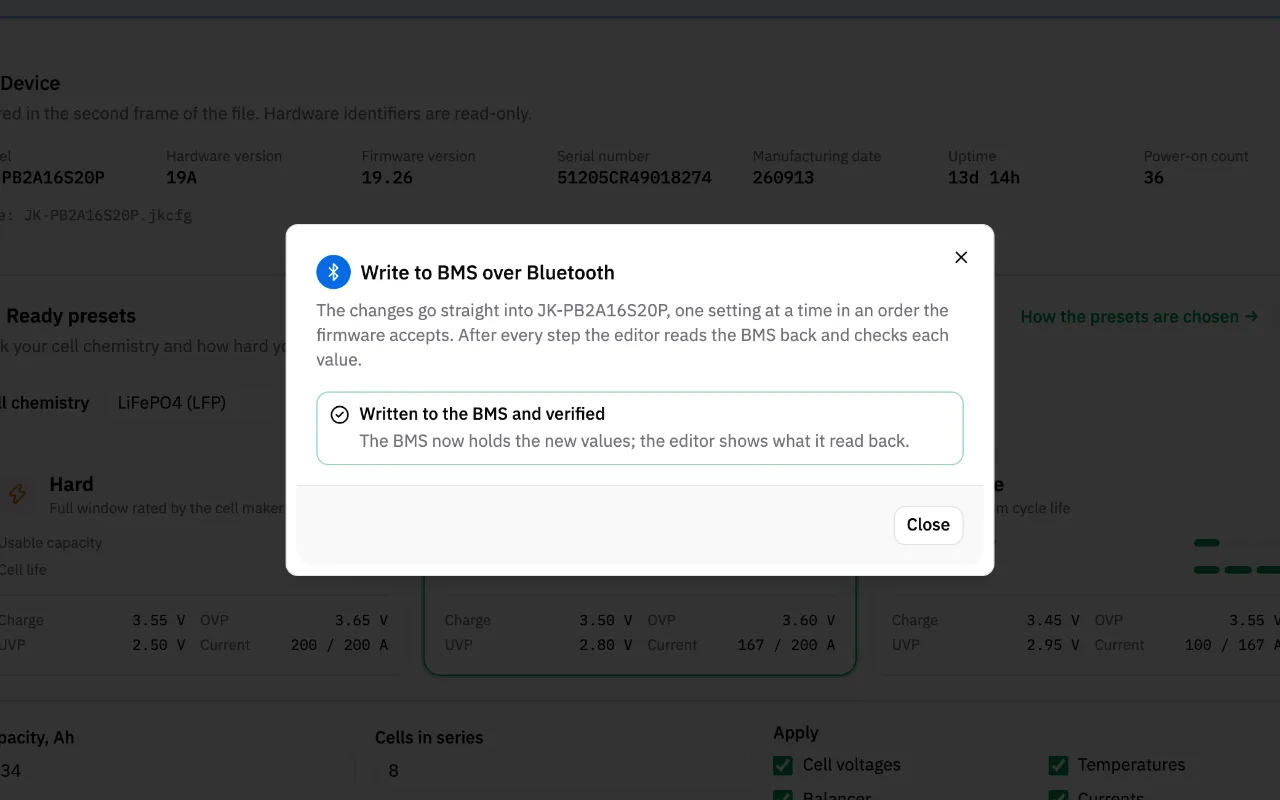
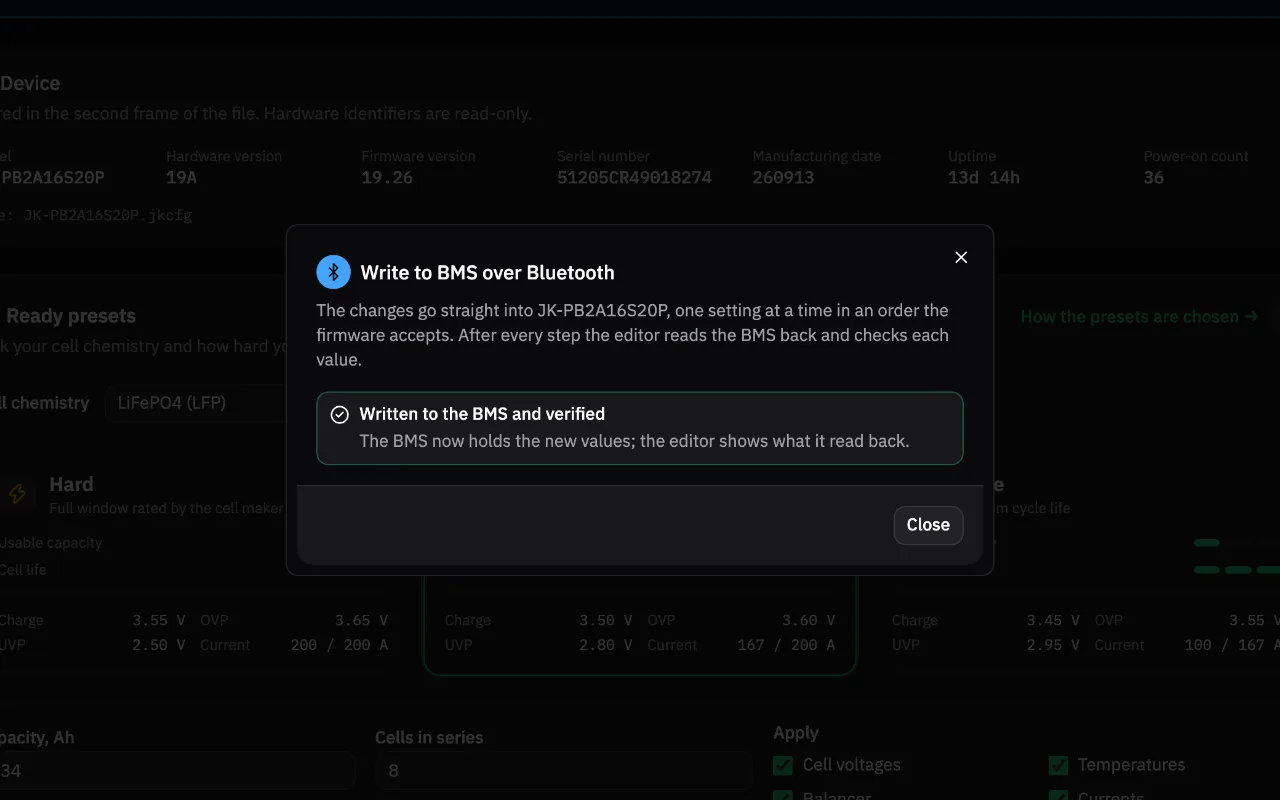
Writing over Bluetooth from the browser avoids the most common problem with a "reset": the firmware checks each new value against the ones it holds, so a complete file can fail with Sending failure halfway. The editor writes in a safe order and reads every step back.
How to reset the JK BMS password
A forgotten settings password is not cleared by any of the resets above. The password guide covers the default passwords and what to do when yours does not work.
FAQ
Does resetting the SOC change my settings?
No. The SOC is corrected by a full charge and no setting changes. Only if the SOC-100% voltage is wrong do you need to change it first.
Does restarting a JK BMS delete my settings?
No. Settings are stored in the BMS and survive a restart and a power off. A restart only clears a frozen state.
How do I put my JK BMS back to default settings?
Write a complete configuration: your backup, or a ready preset for your chemistry with your cell count and capacity. Check the values against your cell datasheet before writing.
Start with a backup: connect your BMS and download the current settings in one click.
Related guides
- JK BMS SOC Calibration: Fix SOC Drift, Jumps and ResetJK BMS SOC calibration explained: why SOC drifts or jumps, what the SOC-100% voltage and SOC-0% voltage do, and how to set them and recalibrate the pack.
- JK BMS Alarms List: Every Alarm, Its Cause and the FixAll JK BMS alarms in one table: what each one means, what usually triggers it and which setting governs it, from cell OVP and MOS OTP to wire resistance.
- Export and Import JK BMS Settings: The .jkcfg File GuideHow to export and import JK BMS settings with the app, what the .jkcfg file contains, why hand edits break it, and how to edit it safely in your browser.
- JK BMS Password: Default Codes, Change and Reset GuideYour JK BMS password is really two codes: Bluetooth and settings. See factory defaults, how to change them, what to try if one fails, and what to do if lost.